The right IDE makes learning C far more enjoyable — code completion, one-click compiling, and a visual debugger turn frustrating guesswork into clear feedback. The good news: every IDE worth using for C in 2026 is free. This guide compares the best ones and helps you pick the right fit for where you are.
Just want to test a quick program without installing anything? An online C compiler lets you start coding immediately in your browser — come back to a full IDE when you are ready for bigger projects.
Quick Pick
| If you are… | Use |
|---|---|
| A beginner who wants zero setup (compiler included) | Code::Blocks |
| Anyone who wants a modern, future-proof editor | VS Code |
| On an old or low-spec PC | Code::Blocks or Dev-C++ |
| Learning seriously and want a pro-grade IDE (now free) | CLion |
| Not ready to install anything | An online compiler |
1. Visual Studio Code — Best Overall
VS Code is the most popular code editor in the world, and with the Microsoft C/C++ extension it becomes an excellent C environment: IntelliSense code completion, error squiggles, one-click compile-and-run, and a full visual debugger. It is free, cross-platform, and the skills you build transfer to every other language.
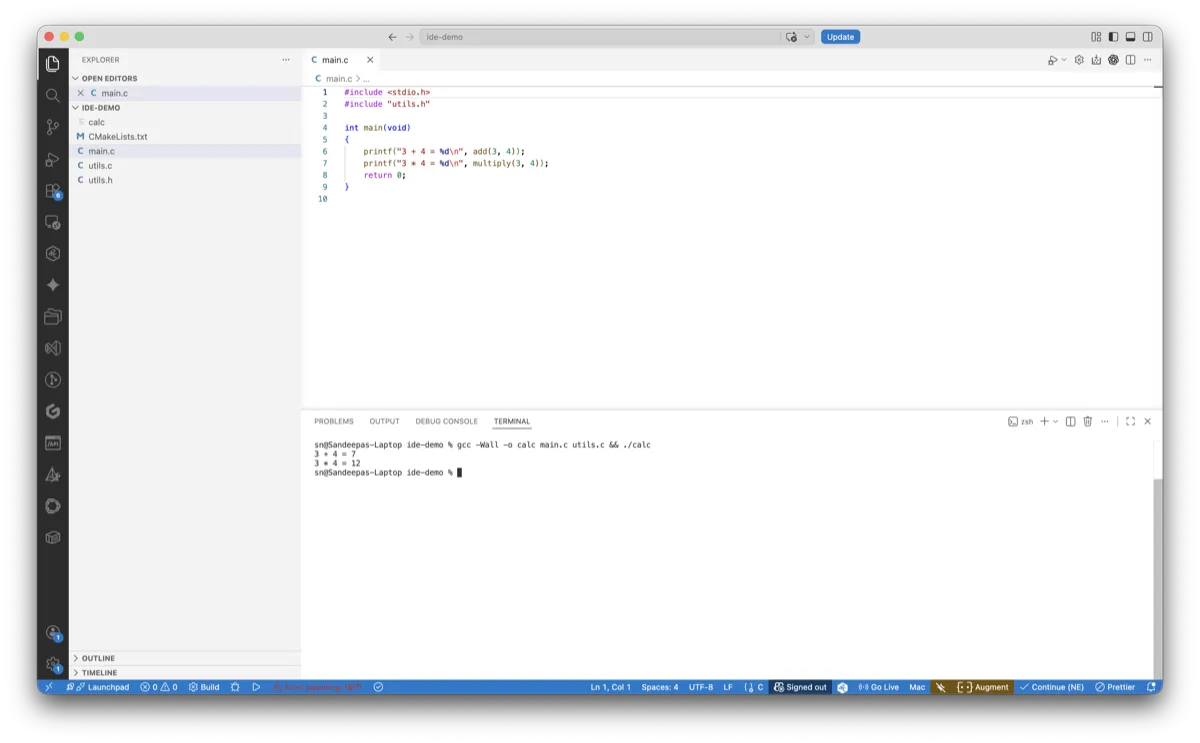
- Pros: modern, fast, huge extension ecosystem, used professionally
- Cons: needs a compiler installed separately and a little first-time configuration
- Best for: almost everyone — the best long-term choice
Full walkthrough: VS Code for C Programming — Complete Setup.
2. Code::Blocks — Best for Beginners (Compiler Included)
Code::Blocks is the easiest way to start, because the mingw-setup installer bundles the GCC compiler — nothing to configure. Download, install, and press F9 to build and run. It is lightweight and runs well on older machines.
- Pros: compiler included, zero configuration, lightweight
- Cons: dated interface, fewer modern features than VS Code
- Best for: complete beginners and low-spec PCs
Full walkthrough: Code::Blocks — Install and First C Program.
3. Dev-C++ — Lightweight and Simple
Dev-C++ is a small, fast, free IDE that has been popular in schools and colleges for years — especially across India. The actively maintained Embarcadero version bundles a compiler and works out of the box. Its interface is dated, but it is light and unintimidating for a first IDE.
- Pros: very lightweight, compiler bundled, simple
- Cons: old-fashioned interface, limited modern tooling
- Best for: students following a course that uses it, and very low-spec machines
4. CLion — Pro-Grade IDE, Now Free for Learners
CLion is JetBrains’ professional C and C++ IDE, with the best-in-class code analysis, refactoring, and debugging of any tool on this list. As of May 2025 it is free for non-commercial use — so if you are learning, working on hobby projects, or contributing to open source unpaid, you can use the full version at no cost. Students and teachers can also get it free through the JetBrains education pack.
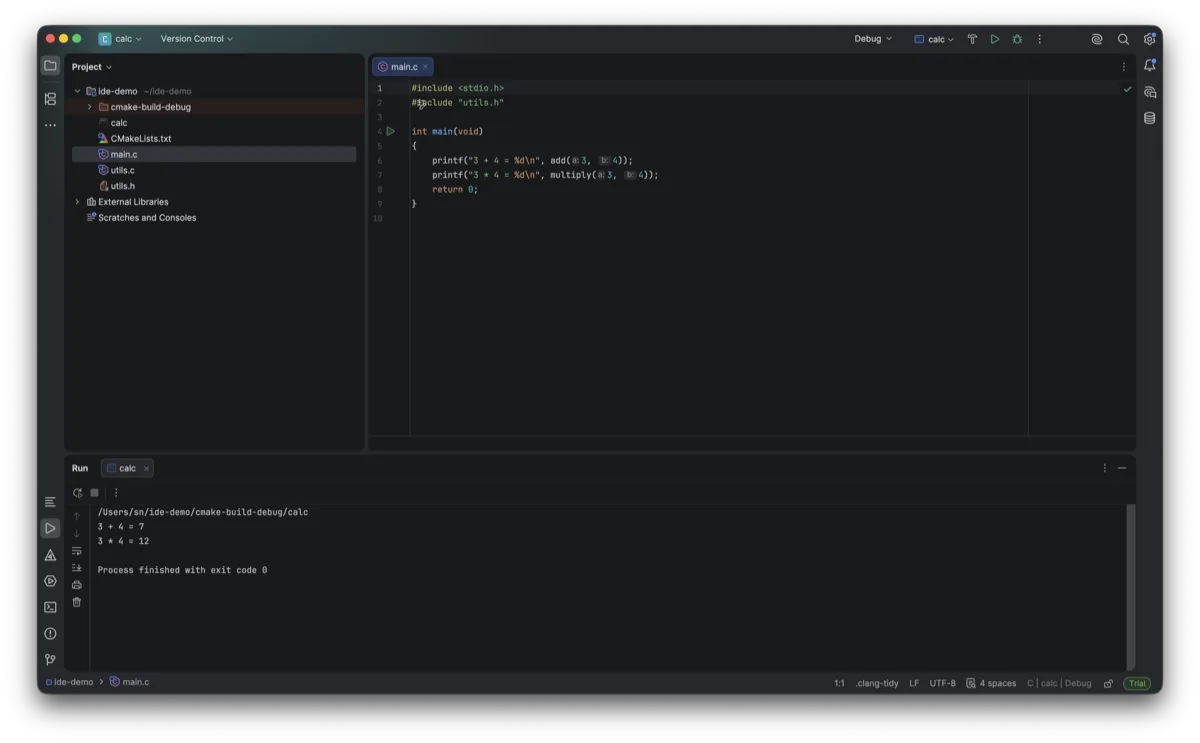
- Pros: outstanding code intelligence, refactoring, and debugger; full version free for non-commercial use
- Cons: heavier — needs a decent machine; more features than a first-timer needs; commercial use requires a paid licence
- Best for: serious learners who want a professional IDE and have the hardware to run it
5. Eclipse CDT — Full-Featured but Heavy
Eclipse with the C/C++ Development Tooling (CDT) is a free, full-featured IDE. It is powerful but heavier and more complex than the others, and its Java foundation makes it feel less snappy. Worth knowing if you already use Eclipse for other languages.
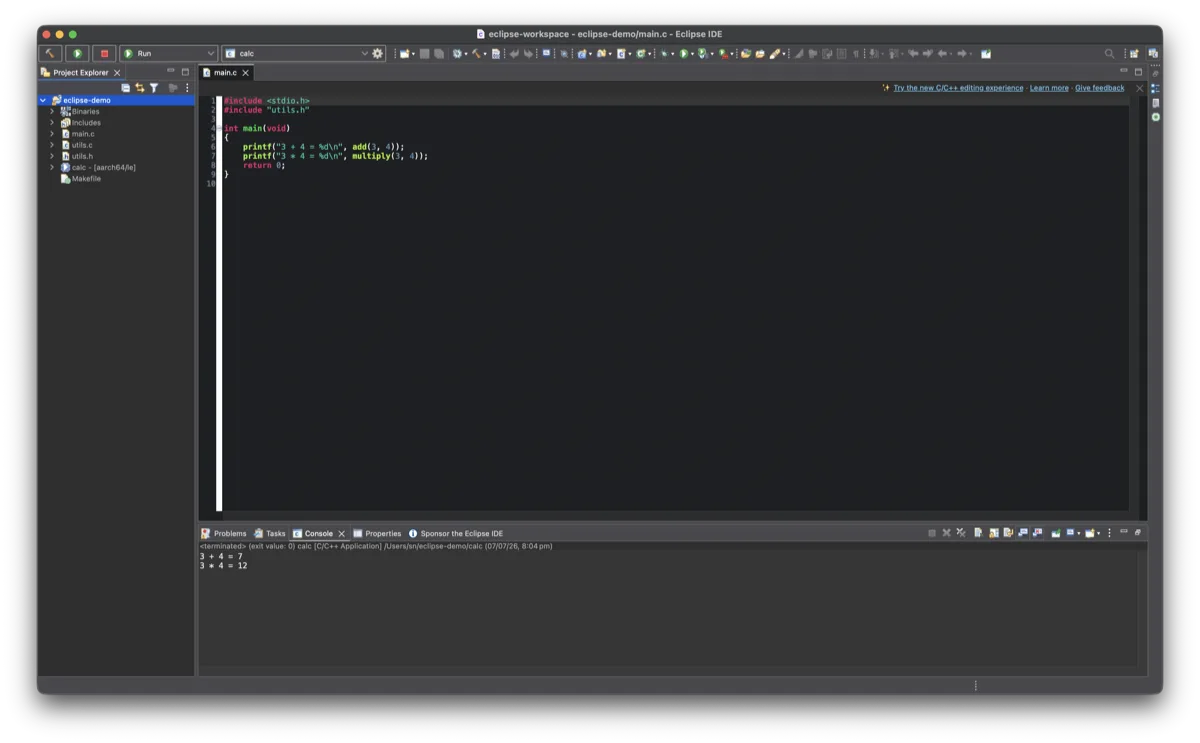
- Pros: free, powerful, cross-platform
- Cons: heavy, steeper learning curve, slower
- Best for: developers already in the Eclipse ecosystem
Comparison at a Glance
| IDE | Compiler included | Weight | Best for |
|---|---|---|---|
| VS Code | No (install GCC) | Light–medium | Best overall, long term |
| Code::Blocks | Yes (mingw-setup) | Light | Beginners, zero setup |
| Dev-C++ | Yes | Very light | Old PCs, school courses |
| CLion | Uses your GCC/Clang | Heavy | Serious learners (free non-commercial) |
| Eclipse CDT | Uses your GCC | Heavy | Existing Eclipse users |
Our Recommendation
For most people: start with Code::Blocks if you want to begin coding in the next five minutes with nothing to configure, or VS Code if you are happy to install a compiler once and want an editor you will not outgrow. Both are free and both are excellent. You can always move to CLion later for its deeper tooling once you are comfortable with the basics.
Whichever IDE you choose, you will need a compiler. Set one up first:
What’s Next
Pick an IDE, set up your compiler, and start practising — browse our full list of C programs with examples and try stepping through a sorting algorithm with your IDE’s debugger to see exactly how it works.
As an Amazon Associate we earn from qualifying purchases.
Recommended Book
An IDE helps you write code; a good book teaches you the language. We recommend The C Programming Language by Kernighan and Ritchie — see our full guide to the best C programming books for picks at every level.
This guide is part of our Complete C Development Environment Setup Guide — the full step-by-step path from zero to writing C.